Protect Your Banking Login When Using AI Tools
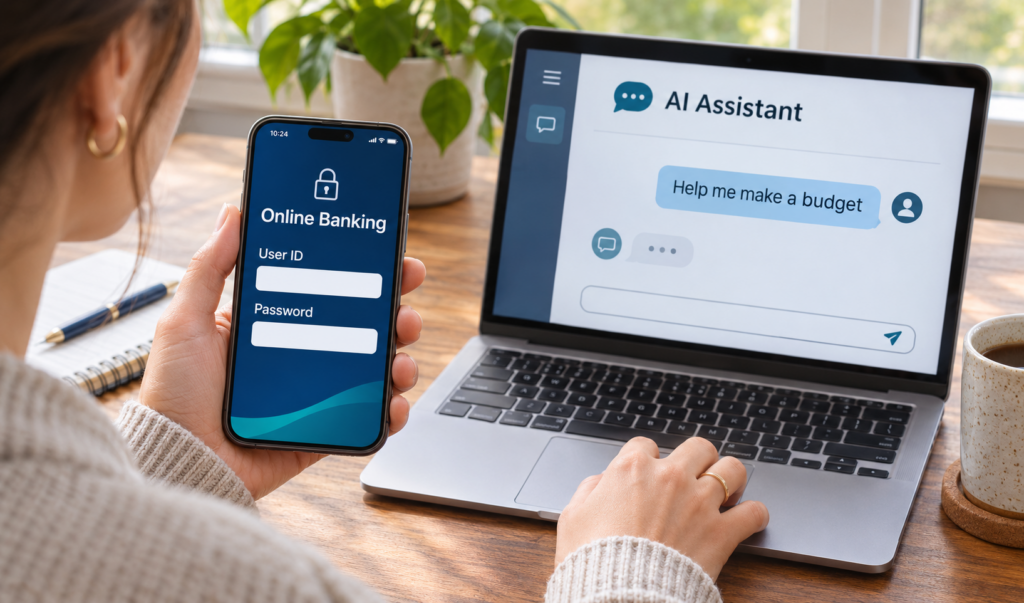
Have you ever asked an AI tool to help you make a budget or figure out what a banking message means? Before you paste a message or upload a screenshot, take a second look. Even a screenshot of one transaction can show your balance or other details you meant to keep private.
At Michigan United Credit Union, we want to help you keep your accounts secure. Start with one simple habit. Keep your banking username, password, and one-time verification codes out of AI tools.
What Banking Information Should You Keep Private?
Keep these details out of AI chats, screenshots, and file uploads:
- Your Online or Mobile Banking username and password
- One-time verification codes, PINs, and security question answers
- Account and card numbers, including the security code on your card
- Bank statements and screenshots that show personal or account information
Can I Let an AI Assistant Log In to My Account?
Keep your login private, even if an AI assistant offers to check your balance, download a statement, or pay a bill for you. Sign in directly through Michigan United Credit Union’s Online or Mobile Banking to handle those tasks yourself.
How Can I Use AI for Budgeting Without Sharing My Account Details?
Use sample numbers. For example, ask, “How can I set aside $300 over the next three months?” That gives the tool enough information to help you make a plan while keeping your account details private.
What If I Already Shared My Banking Login?
- Call Michigan United Credit Union right away at 248-814-4000. Tell us what you shared so we can help secure your account.
- Change both your Online or Mobile Banking user ID and password. If you used the same password elsewhere, change it on those accounts too.
- Review your recent transactions. Let us know right away if you see anything you don’t recognize.
Questions About Your Account?
If you’re unsure about a message, a request for a verification code, or something you shared, call us at 248-814-4000 or stop by your local branch.